
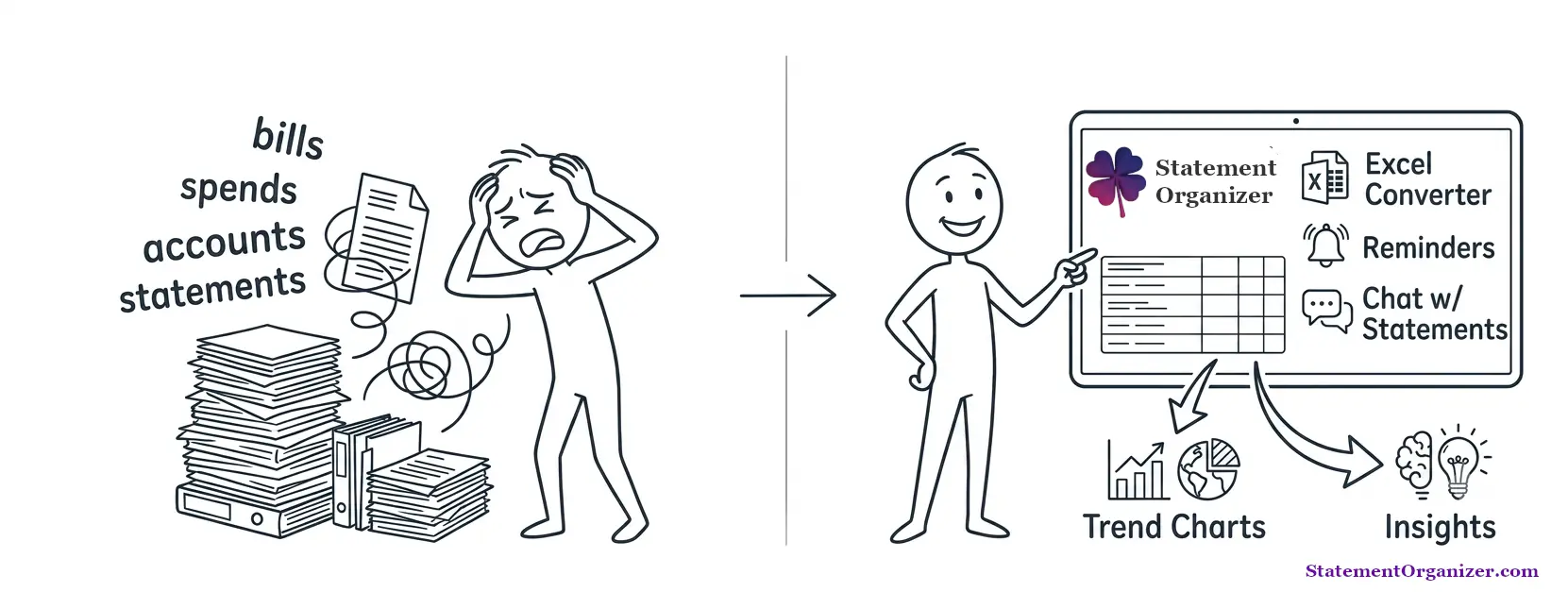
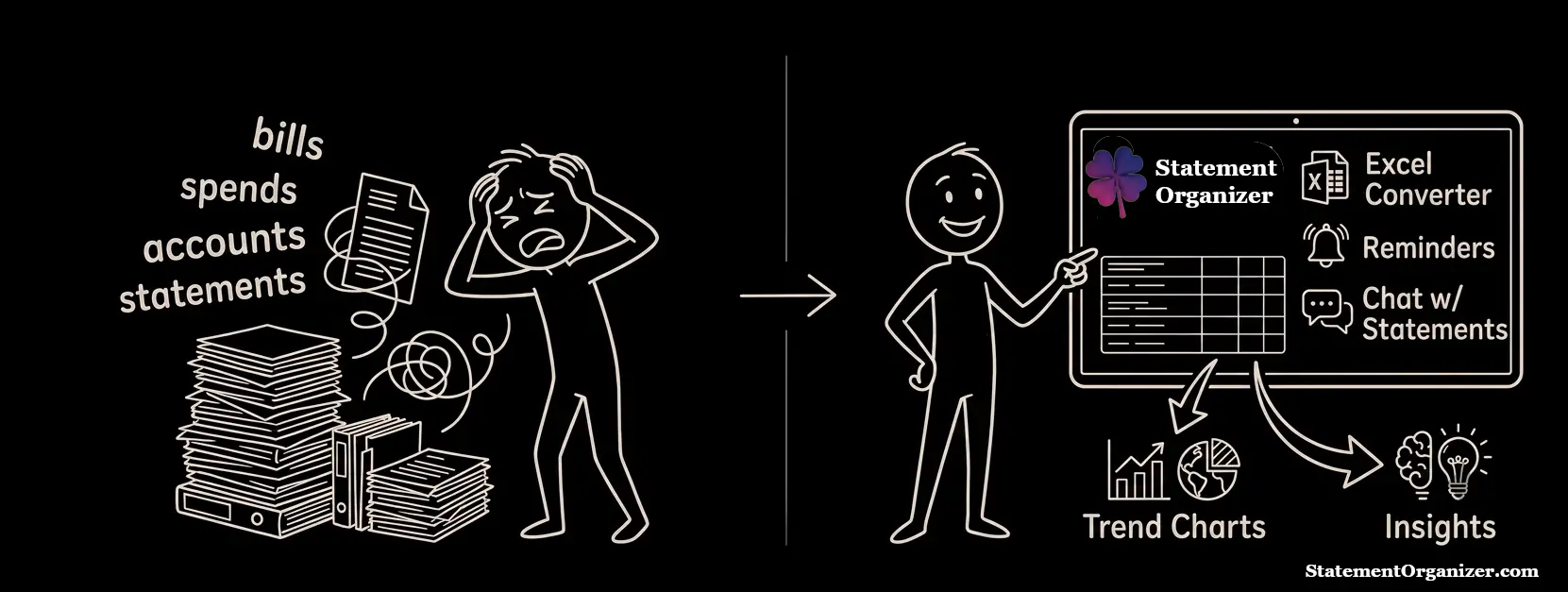
Know your money, better
Find forgotten subscriptions, duplicate charges, hidden fees.. reveal what your bank statements are hiding in plain sight!
No credit card · Files auto-deleted after processing · 256-bit encrypted
Find ways to save!
This month- Cancel forgotten streaming bundle$14.99/mo
- Drop duplicate insurance cover$32.00/mo
- End a trial that started billing$9.99/mo
- Switch to a no-fee card$6.00/mo
Illustrative example
How it works — 3 easy, private steps
Setup data masks
Create simple masks to hide your personal information from the AI.
Upload your statement
Upload statements in any format like PDF/Excel etc.
Get your insights
See spending insights.. Chat with your AI.. or just download all your transactions in Excel!
Uploaded files are deleted right after they’re processed.
More than a converter
Everything you need to turn statements into answers — privately.
Find the money you’re leaking
AI scans every transaction for forgotten subscriptions, duplicate charges and price creep — the small drains you never notice.
Catch hidden & rising fees
Surfaces the fees and charges buried in the fine print across every account, and flags when they quietly go up.
Ask your statements anything
Chat with your own financial history. Ask “what did subscriptions cost me last quarter?” and get a clean table back.
Private by design
Card numbers and the details you choose are masked before your statement is analysed. Bring your own AI key, or run AI fully on-device in the mobile app. We never sell or train on your data.
Any bank → clean Excel
Upload PDF, CSV or a photo of a statement from any bank. Get tidy Excel, CSV or QuickBooks-ready files — even from scanned statements, thanks to built-in OCR.
Never miss a bill
A secure vault keeps every statement and account in one place, with reminders so a payment never slips through the cracks.
How we compare
| Feature | StatementOrganizer | Typical converter | Enterprise tool |
|---|---|---|---|
| PDF → Excel & CSV | |||
| Works on scanned statements (OCR) | |||
| Finds money leaks & unused subscriptions | |||
| Hidden-fee finder | |||
| Chat & ask your statements | |||
| Card-number & custom PII masking | |||
| Bring-your-own-key / on-device AI | |||
| Bill reminders & secure vault | |||
| Made (and priced) for individuals |
“Enterprise tool” = accountant-focused platforms starting around $499/mo. StatementOrganizer starts free.
Ask your statements anything
You spent $248.91 on 6 subscriptions last quarter. The biggest:
| Streaming bundle | $44.97 |
| Cloud storage | $29.97 |
| Fitness app | $29.97 |
Made for real life
Trim your budget
Spot the subscriptions and fees quietly draining your account, then cancel with confidence.
Freelancers & taxes
Turn a year of statements into clean Excel and categorized expenses in minutes, not weekends.
Households
Bring every bank and card into one private view and see where the family’s money actually goes.
Loan & visa applications
Convert statements from any bank into tidy, shareable summaries whenever you’re asked for them.
Start free
Everything you need to find your first leaks — then upgrade for more files, storage and premium AI. Unused paid credits are 100% refundable.
Frequently asked questions
- What exactly does it find?
- StatementOrganizer converts your statements to Excel, then scans every transaction for forgotten subscriptions, duplicate charges, creeping fees and unusual spending — plus AI insights you can explore in chat.
- What file formats can I upload — and get back?
- Upload PDF, CSV, Excel (XLS/XLSX) or even a photo of a statement from any bank; scanned statements are handled with built-in OCR. Export to Excel, CSV, or straight into QuickBooks, Xero and Sage.
- Is my financial data private and secure?
- Yes. Card numbers and any details you choose to mask are hidden before your statement is analysed, data is encrypted and isolated to your account with row-level security, and uploaded files are deleted right after processing. We never sell or train on your data, and you can bring your own AI key or run AI on-device in the mobile app.
- Which banks are supported?
- Thousands of banks across 100+ countries. The AI parser handles typical bank layouts — including separate debit/credit columns and multi-currency accounts.
- Is there a free plan?
- Yes — start free with daily credits, then upgrade for more files, storage and premium AI models. Unused paid credits are 100% refundable.
Know your money better
Convert your first statement, uncover the leaks, and keep your data private. Free to start — no credit card.